资源简介
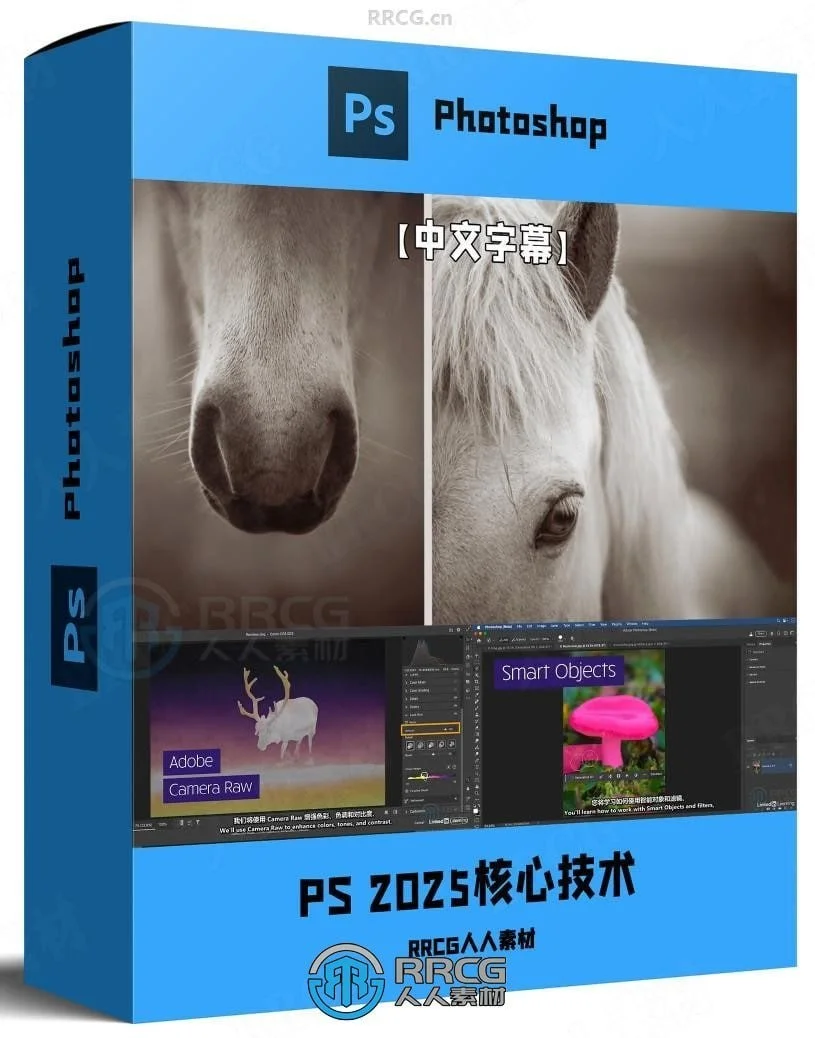
在这个课程中,讲师会用她的轻松风格,把Photoshop的核心功能拆解到最简单——从界面入门到各种重要概念,带你逐步掌握那些所有Photoshop用户都需要的技能!
下载地址
 夸克网盘课程-Photoshop2025全面核心技术训练教程【中文字幕】夸克网盘/百度网盘下载
资源目录
目录结构: ├── Photoshop2025全面核心技术训练教程【中文字幕】 │ ├── 源文件 │ │ └── 源文件.zip │ └── 视频教程 │ ├── 27 - 共享图像 │ │ ├── 04 - Exporting a multiple images to a single document (1).mp4 │ │ ├── 02 - Saving cloud documents and collaborative editing.mp4 │ │ ├── 03 - Using Image Processor to batch resize and save files.mp4 │ │ └── 01 - Sharing documents for review (1).mp4 │ ├── 26 - 动画图像 │ │ ├── 02 - Creating cinemagraphs.mp4 │ │ └── 01 - Creating animated GIFs.mp4 │ ├── 25 - 画板 │ │ ├── 04 - Saving and exporting artboards.mp4 │ │ ├── 03 - Tips for working with artboards.mp4 │ │ ├── 02 - Adding content to artboards.mp4 │ │ └── 01 - Creating artboards.mp4 │ ├── 24 - 使用库 │ │ ├── 04 - Working with Adobe Stock.mp4 │ │ ├── 03 - Sharing Libraries.mp4 │ │ ├── 02 - Capture patterns, colors, gradients, type attributes, and shapes from an image.mp4 │ │ └── 01 - Library panel essentials.mp4 │ ├── 23 - 类型基础知识 │ │ ├── 02 - Using leading, kerning, and tracking.mp4 │ │ ├── 01 - Exploring headline (point) type (1).mp4 │ │ └── 03 - Working with paragraph (area) type.mp4 │ ├── 22 - 基本图层样式 │ │ ├── 02 - Creative layer effects.mp4 │ │ └── 01 - Applying layer effects and styles.mp4 │ ├── 28 - 结论 │ │ └── 01 - Next steps.mp4 │ ├── 21 - 钢笔工具 │ │ ├── 04 - Drawing complex paths.mp4 │ │ ├── 02 - Pen tool basics.mp4 │ │ ├── 01 - The Curvature Pen tool.mp4 │ │ └── 03 - Drawing curves with the Pen tool.mp4 │ ├── 20 - 形状图层 │ │ ├── 04 - Duplicating shapes as Smart Objects.mp4 │ │ ├── 03 - Creating, saving, and masking images to shapes.mp4 │ │ ├── 02 - Modify, duplicate, and use custom shapes.mp4 │ │ └── 01 - Using the Shape tools.mp4 │ ├── 19 - 基本滤镜 │ │ ├── 07 - Applying Camera Raw as a filter.mp4 │ │ ├── 06 - Creating painterly effects using Filter Gallery.mp4 │ │ ├── 05 - AI-assisted (Neural) filters.mp4 │ │ ├── 04 - Creative blurring effects.mp4 │ │ ├── 03 - Sharpening images.mp4 │ │ ├── 01 - Filter essentials.mp4 │ │ └── 02 - Applying filters nondestructively with Smart Filters.mp4 │ ├── 18 - 颜色、渐变和图案填充图层 │ │ ├── 02 - Using gradients to add color effects (1).mp4 │ │ ├── 01 - Using Fill Layers to create a hand painted look.mp4 │ │ └── 03 - Creating and applying custom pattern fill layers.mp4 │ ├── 17 - 基本转换 │ │ ├── 04 - Using Liquify to reshape an image.mp4 │ │ ├── 06 - Using Smart Objects to transform multiple layers as one.mp4 │ │ ├── 03 - Warping images.mp4 │ │ ├── 05 - Using Vanishing Point to paste in perspective.mp4 │ │ ├── 02 - Removing perspective distortion using Camera Raw.mp4 │ │ └── 01 - Scaling, skewing, and rotating layers using Free Transform.mp4 │ ├── 16 - 智能对象基础知识 │ │ ├── 04 - Linked vs. embedded Smart Object.mp4 │ │ ├── 03 - Replacing the contents of a Smart Object.mp4 │ │ ├── 02 - Opening RAW images as Smart Objects.mp4 │ │ └── 01 - Creating and editing Smart Objects.mp4 │ ├── 15 - 混合模式基础知识 │ │ ├── 03 - Applying blend modes to adjustment layers.mp4 │ │ ├── 02 - Using Multiply, Screen, Overlay, and Soft Light.mp4 │ │ ├── 01 - Blend mode basics.mp4 │ │ └── 04 - Applying blend modes to multiple layers and groups.mp4 │ ├── 14 - 调整图层基础知识 │ │ ├── 05 - Applying adjustment layers to multiple layers.mp4 │ │ ├── 04 - Converting to B&W and color toning with Gradient Maps.mp4 │ │ ├── 03 - Changing vibrance, hue, saturation, and color balance.mp4 │ │ ├── 02 - Adjusting color and tone with Levels and Curves.mp4 │ │ └── 01 - Introducing adjustment layers.mp4 │ ├── 12 - 修饰和移除干扰元素 │ │ ├── 06 - Transform without distorting with Content-Aware Scale and Move.mp4 │ │ ├── 04 - Using Generative Fill on large documents.mp4 │ │ ├── 03 - The magic of Generative Fill.mp4 │ │ ├── 05 - Seamlessly blend photos using Generative Fill.mp4 │ │ ├── 02 - Removing distracting elements with the Remove tool.mp4 │ │ └── 01 - Retouching with the Healing, Patch, and Clone tools.mp4 │ ├── 13 - 生成式AI │ │ ├── 03 - Generative Workspace (beta).mp4 │ │ ├── 02 - Generating elements and replacing backgrounds.mp4 │ │ └── 01 - Generate image essentials.mp4 │ ├── 11 - 进行选择 │ │ ├── 06 - Selecting and replacing skies.mp4 │ │ ├── 05 - Transforming selections and removing halos.mp4 │ │ ├── 04 - Making selections based on color.mp4 │ │ ├── 02 - Making soft edged selections.mp4 │ │ ├── 03 - Using the Object Select and Selection Brush tools.mp4 │ │ └── 01 - The Marquee and Lasso tools.mp4 │ ├── 10 - 使用图层蒙版和剪贴蒙版 │ │ ├── 02 - Creating clipping masks with layers.mp4 │ │ └── 01 - Layer mask essentials.mp4 │ ├── 09 - 颜色和画笔基础知识 │ │ ├── 04 - Creating custom brushes and symmetrical brush strokes.mp4 │ │ ├── 03 - The Brushes and Brush Settings panels.mp4 │ │ ├── 02 - Brush basics.mp4 │ │ └── 01 - Color basics.mp4 │ ├── 08 - 图层 │ │ ├── 05 - Quickly exporting layers and groups.mp4 │ │ ├── 04 - Merging and flattening layers.mp4 │ │ ├── 03 - Organizing layers using layer groups.mp4 │ │ ├── 02 - Loading, selecting, aligning, and distributing layers.mp4 │ │ └── 01 - Exploring layer basics.mp4 │ ├── 07 - 裁剪、拉直和调整画布大小 │ │ ├── 04 - Expanding the canvas size.mp4 │ │ ├── 03 - Crop and change the image size in one step.mp4 │ │ ├── 02 - Straightening a crooked image.mp4 │ │ └── 01 - Using the Crop tool.mp4 │ ├── 06 - Adobe Camera Raw │ │ ├── 12 - Removing noise and adding Lens Blur.mp4 │ │ ├── 13 - Saving and opening files into Photoshop.mp4 │ │ ├── 10 - BW conversions, color toning, and snapshots.mp4 │ │ ├── 11 - Creating and saving presets.mp4 │ │ ├── 08 - Using the masking tools to adjust a portion of an image - 副本.mp4 │ │ ├── 09 - Using masking to retouch portraits.mp4 │ │ ├── 07 - Removing distracting elements.mp4 │ │ ├── 08 - Using the masking tools to adjust a portion of an image.mp4 │ │ ├── 06 - Making adjustments to colors.mp4 │ │ ├── 05 - Enhancing white balance, tone, and contrast.mp4 │ │ ├── 04 - Working with profiles and presets.mp4 │ │ ├── 03 - Cropping and expanding a photo with Generative Expand (beta).mp4 │ │ ├── 02 - Removing lens distortions and correcting perspective.mp4 │ │ └── 01 - A tour of the Camera Raw interface.mp4 │ ├── 05 - 数字图像基础知识 │ │ ├── 07 - Saving and exporting documents.mp4 │ │ ├── 06 - Discover flexible editing using the History panel.mp4 │ │ ├── 05 - Using Image Size to change document dimensions.mp4 │ │ ├── 04 - Making sense of document size.mp4 │ │ ├── 03 - Choosing a color space.mp4 │ │ ├── 02 - Mastering bit depth and color mode.mp4 │ │ └── 01 - Understanding file formats.mp4 │ ├── 04 - 自定义Photoshop界面 │ │ ├── 03 - Modifying keyboard shortcuts to boost productivity.mp4 │ │ ├── 02 - Customizing the toolbar.mp4 │ │ └── 01 - Arranging the panels you use most often.mp4 │ ├── 03 - 文档和导航 │ │ ├── 03 - Panning and zooming documents.mp4 │ │ ├── 02 - Working with multiple documents.mp4 │ │ └── 01 - A tour of the Photoshop interface.mp4 │ ├── 02 - 打开文件 │ │ ├── 05 - Editing in Camera Raw or Lightroom versus Photoshop.mp4 │ │ ├── 02 - Opening files from Adobe Bridge.mp4 │ │ ├── 01 - Opening files in Photoshop.mp4 │ │ ├── 04 - Opening files from Lightroom.mp4 │ │ └── 03 - Opening files from Lightroom Classic.mp4 │ └── 01 - 简介 │ └── 01 - Welcome to Photoshop essential training (1).mp4